
Best Client Invoicing Apps I’ve Used as a Freelancer (Pros & Cons)

Malek Z.
- June 10, 2026
- 5 Min Read
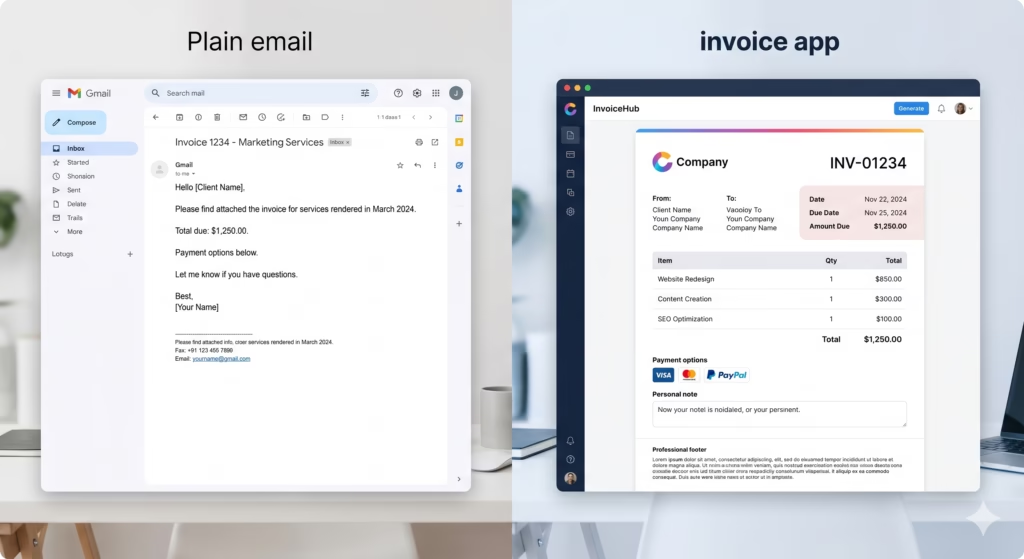
A couple years into freelancing, I realized chasing payments took more energy than the actual writing. One client took six weeks to pay a $450 invoice I sent through plain email. I spent evenings following up politely while worrying about my own bills. That frustration pushed me to test real invoicing tools. Over time I tried several that actually made getting paid smoother. None were perfect, but a few became reliable parts of my workflow.
This is not a sponsored roundup. These are the ones I have hands-on experience with as a writer handling everything from one-off blog posts to monthly retainers. I will share what worked, what annoyed me, and honest thoughts so you can pick something that fits your style without wasting time on trials.
I started simple because my early gigs were small and scattered. Later, as projects grew, I needed features like time tracking and automatic reminders. The right tool saved me hours and reduced stress. If you are just starting, know that even basic apps beat spreadsheets or Word docs for looking professional and getting paid faster.
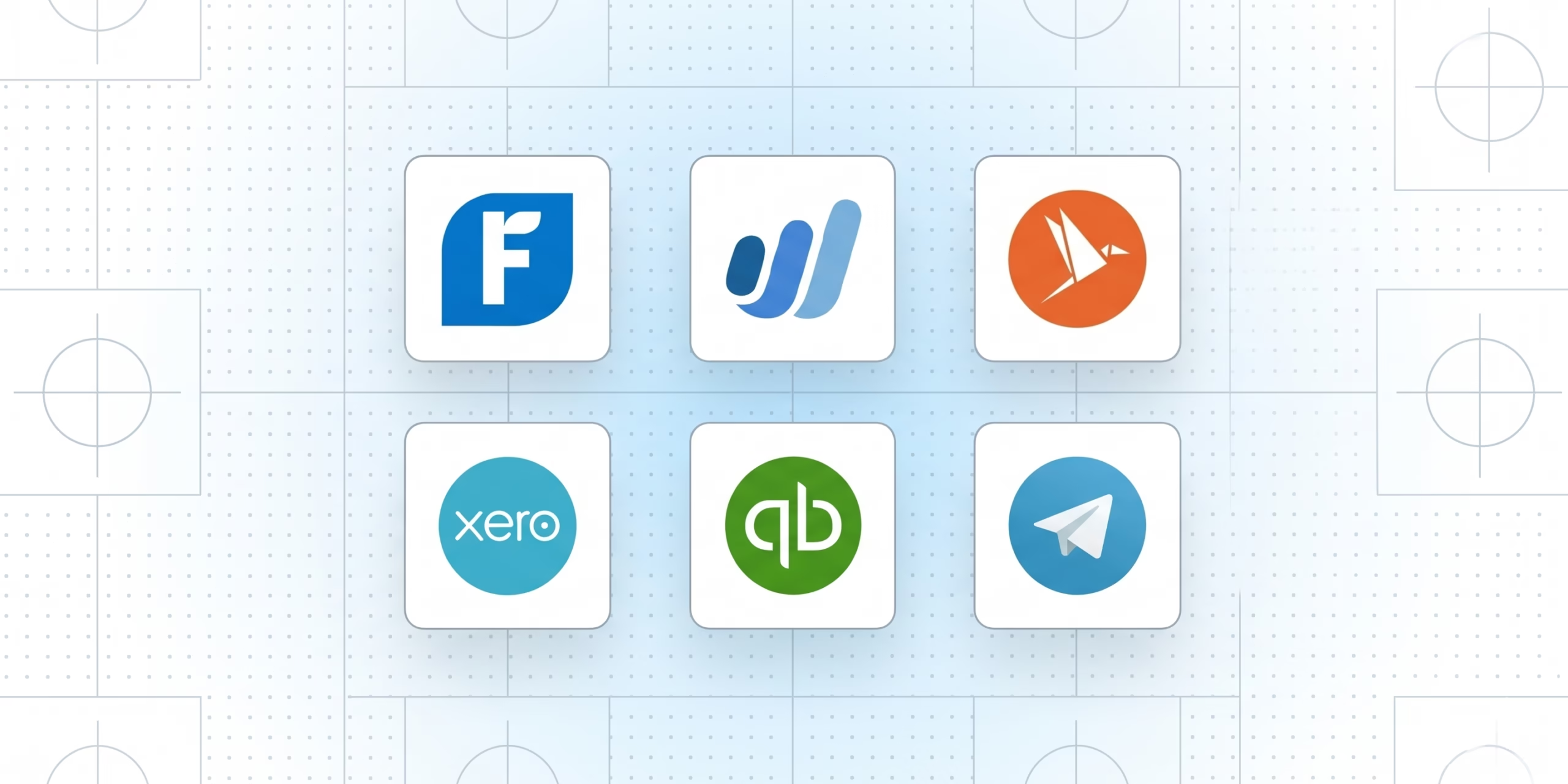
Wave was the first proper tool I used, and it still handles a lot of my smaller clients. Setting up was straightforward. I connected my bank account, and it pulled in transactions automatically. Invoicing takes minutes. You customize templates with your logo, add line items, and send with a couple clicks.
What I liked most is the price. Core invoicing and basic accounting stay free. For a writer sending five to ten invoices a month, that matters. Payment tracking is decent, and clients can pay directly through the invoice. I remember one retainer client who paid on time every month because of the friendly reminders.
On the downside, the free version has limits on reports and some features feel basic. Customer support can be slow if you hit a snag. I once had an import issue that took days to resolve through their help center. Still, for beginners or anyone keeping costs low, it beats manual methods. Many freelancers I know stick with it for years without upgrading.
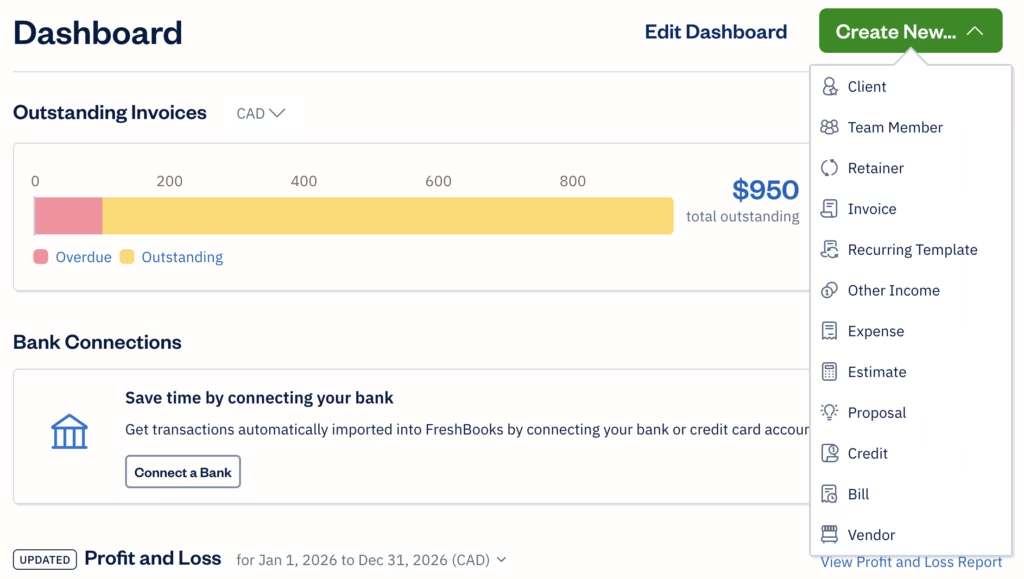
As my income grew, I switched some clients to FreshBooks. The interface feels clean and modern compared to others. Creating branded invoices is satisfying. You can track time on projects, which helped when I started billing hourly for research or interviews. Automatic recurring invoices saved me from forgetting monthly sends.
Pros include excellent mobile app and strong payment options like credit cards. Clients appreciate the professional look, and I noticed fewer late payments. One feature I used a lot was expense tracking tied directly to projects. It made end-of-month bookkeeping quicker.
Pricing starts higher than free options, around $20 or so per month depending on the plan. That was a stretch early on, but it paid for itself through faster collections. The main complaint I have is that some advanced reports require higher tiers. Also, if you only need basic invoicing, it might feel like overkill.
I found it especially useful for creative or service-based freelancers who want something that scales. A video I recommend watching is a comparison of FreshBooks versus simpler tools. Search for recent freelancer reviews on YouTube to see real demos.
Harvest became my favorite when I took on longer content strategy work. The time tracking integrates directly with invoicing. Start a timer while outlining an article, stop when done, and generate the invoice from those hours. It feels seamless.
I loved the visual reports showing time spent per client. It helped me spot when a project was taking more hours than quoted so I could adjust next time. Recurring invoices and expense logging worked well too. The design is straightforward without being overwhelming.
It is not completely free after a certain point, and some writers might not need the full time-tracking focus if they charge flat rates. Setup took a bit longer than Wave because of all the options. But once running, it runs smoothly.
Bonsai surprised me because it goes beyond invoicing. It includes contracts, proposals, and client management. For writers handling multiple ongoing clients, this saves switching between tools. I used it for a six-month project where I needed to send proposals first, then track time, and invoice smoothly.
Pros are the freelancer-specific features like automated workflows and nice templates. Payment processing feels integrated. It gave me confidence sending professional packages to bigger clients.
The cost is noticeable if you are on a tight budget, and learning the full platform takes time. Some parts felt heavier than needed for pure writing work. Still, for those scaling up, it reduces admin headaches.
QuickBooks came up when I thought about more formal accounting. It is powerful with deep reporting, but honestly felt too much for my solo writing business. The learning curve was steeper, and pricing higher. Good if you grow into a small team later, but overkill starting out.
I also tried Invoice Ninja for a short period. It is customizable and has a free tier that is generous. Good for international clients with multi-currency support. The interface is functional but less pretty than FreshBooks.
PayPal invoicing served as a backup for quick one-offs. Familiar to everyone, but fees and limited customization made it secondary.
Final Thoughts
Switching to proper invoicing apps was one of those small changes that made freelancing feel more like a real business. I went from dreading billing to handling it in minutes. The time saved went back into writing better pitches and delivering stronger work.
If you are just starting, begin with Wave or a similar free option. As you grow, evaluate FreshBooks or Bonsai. Experiment and adjust. Your setup should fit your specific mix of clients and projects.